1. Find your login
BuyGoods emails your login after payment. Keep that email. It holds the order number you need for any refund.
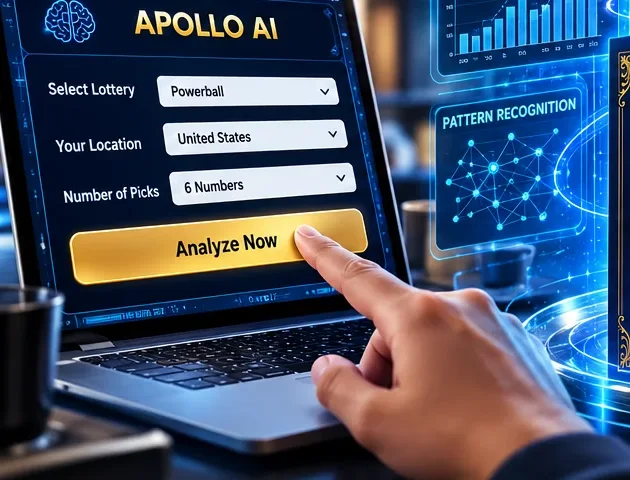
2. Set up your game
In the game menu, choose lottery type, state, number range and how often you play.
3. Look at history
Scan the hot and cold bars, the number spread chart and the recent trend graph. They describe the past only.
4. Get a set
Tap the set generator and play only the tickets you had planned.
Habits that keep it safe
- Decide your monthly limit before logging in.
- Keep sessions to a few minutes.
- Never pay for tiers, upgrades or "training" that promise income.
- If the site goes down, contact BuyGoods, not a link from a text message.
Want to look at the current Apollo AI offer?
Check Apollo AI Offer